
LLM on a Budget series
The board arrives — from China, faster than Auspost
The Machinist X99 MR9S arrived from China before Auspost had managed to move the GPU from one Australian state to another. Make of that what you will.
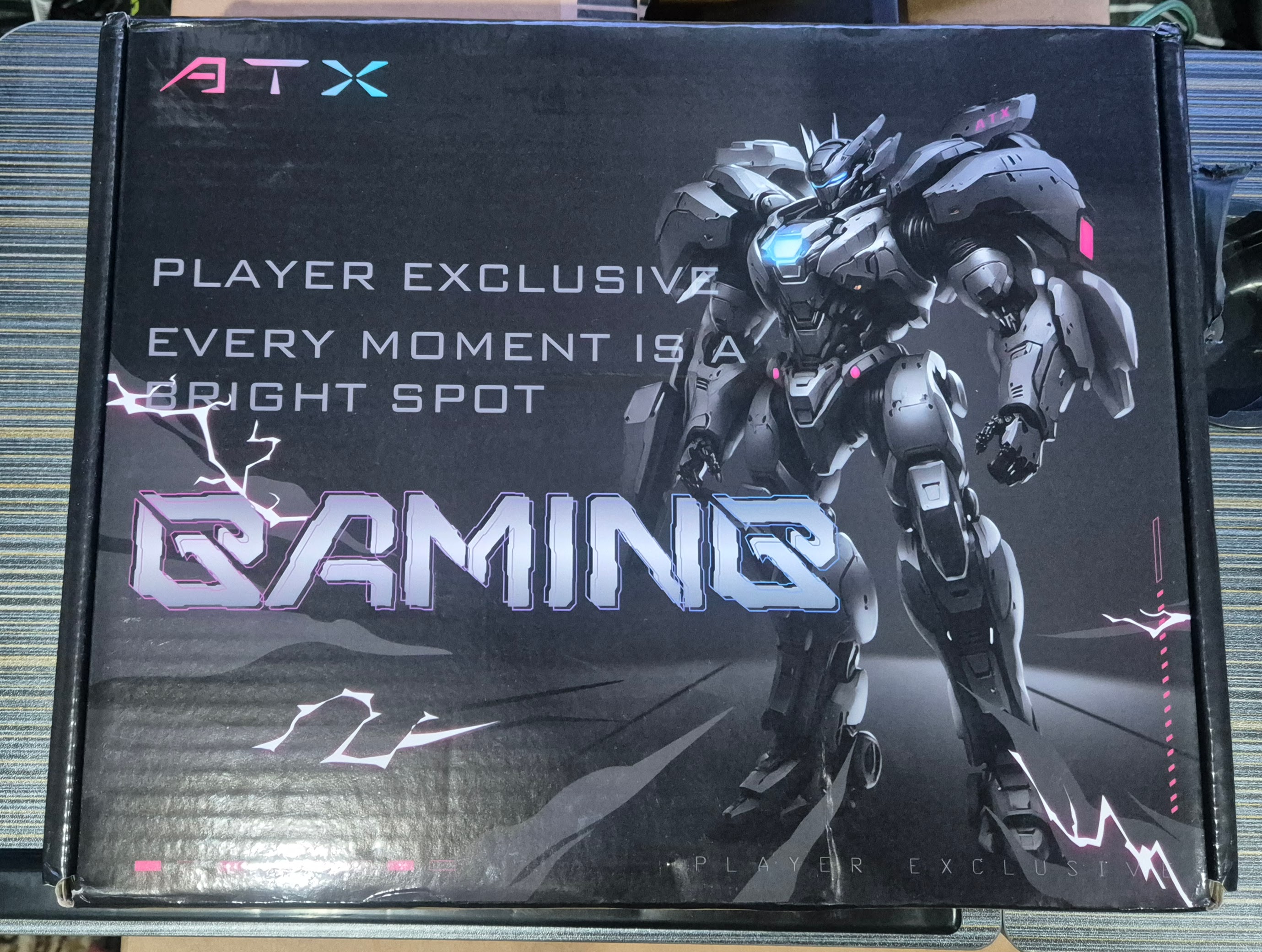
The box presented well externally. A reasonable first impression.
What's in the box
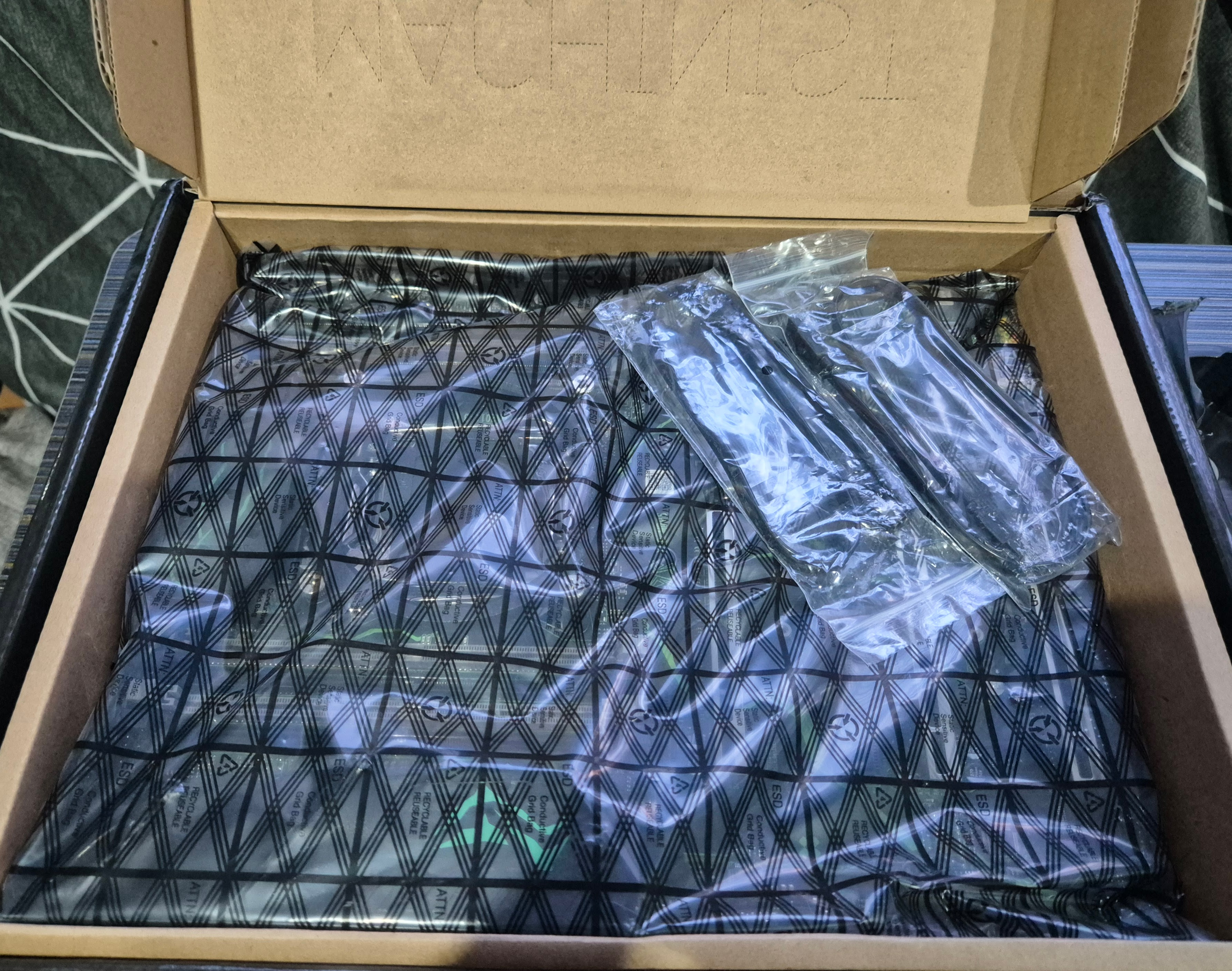
Inside: a motherboard, some SATA cables, and absolutely nothing else. No manual, no I/O shield installation guide, no mounting hardware beyond the ring already attached to the CPU bracket. For a board sourced off Aliexpress this was not entirely surprising, but it's worth knowing going in.
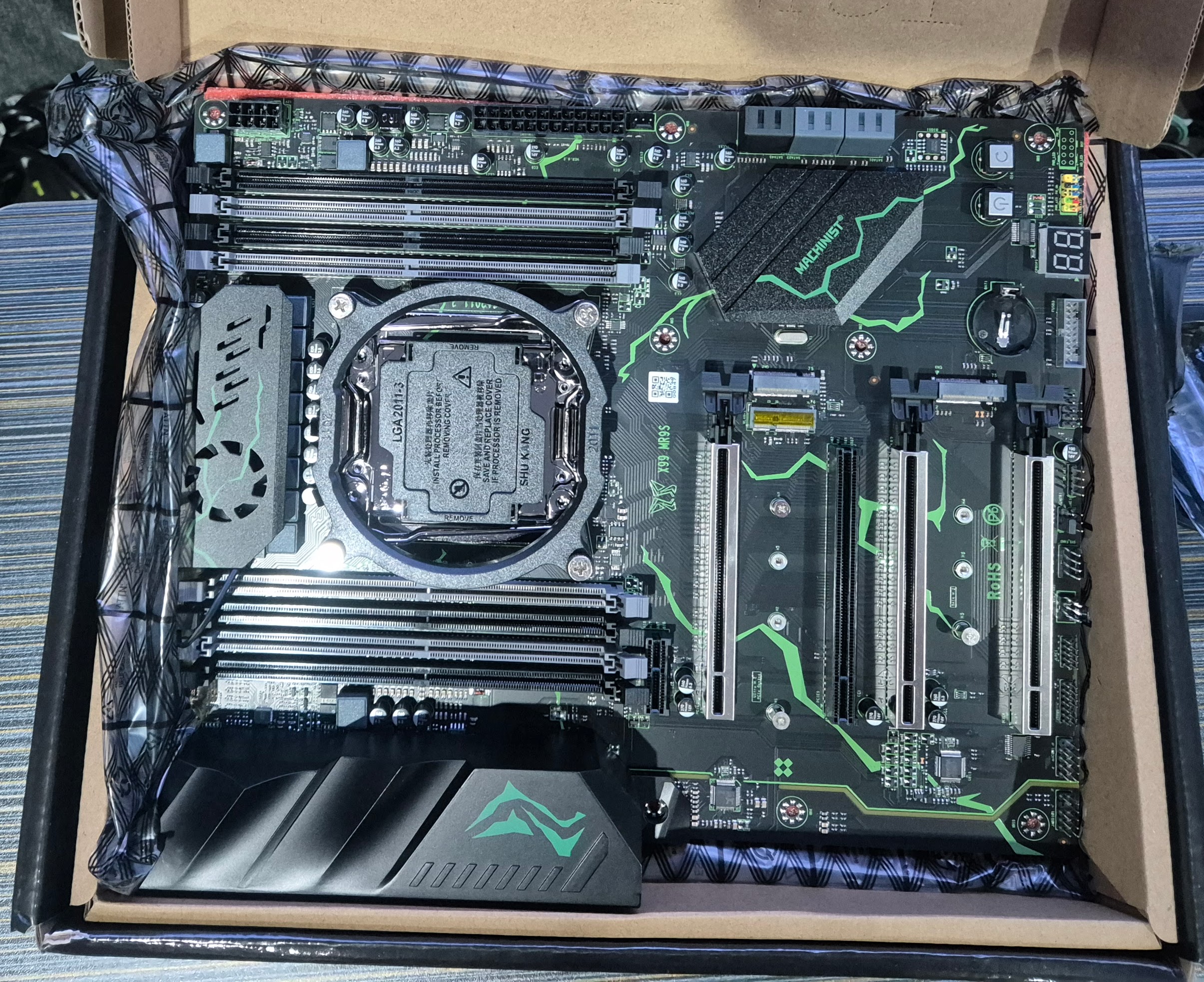
The board itself, however, looked exactly like the product photos on Aliexpress. This is not something to take for granted when ordering from that particular marketplace, so it was a pleasant surprise.
BYOB — bring your own battery
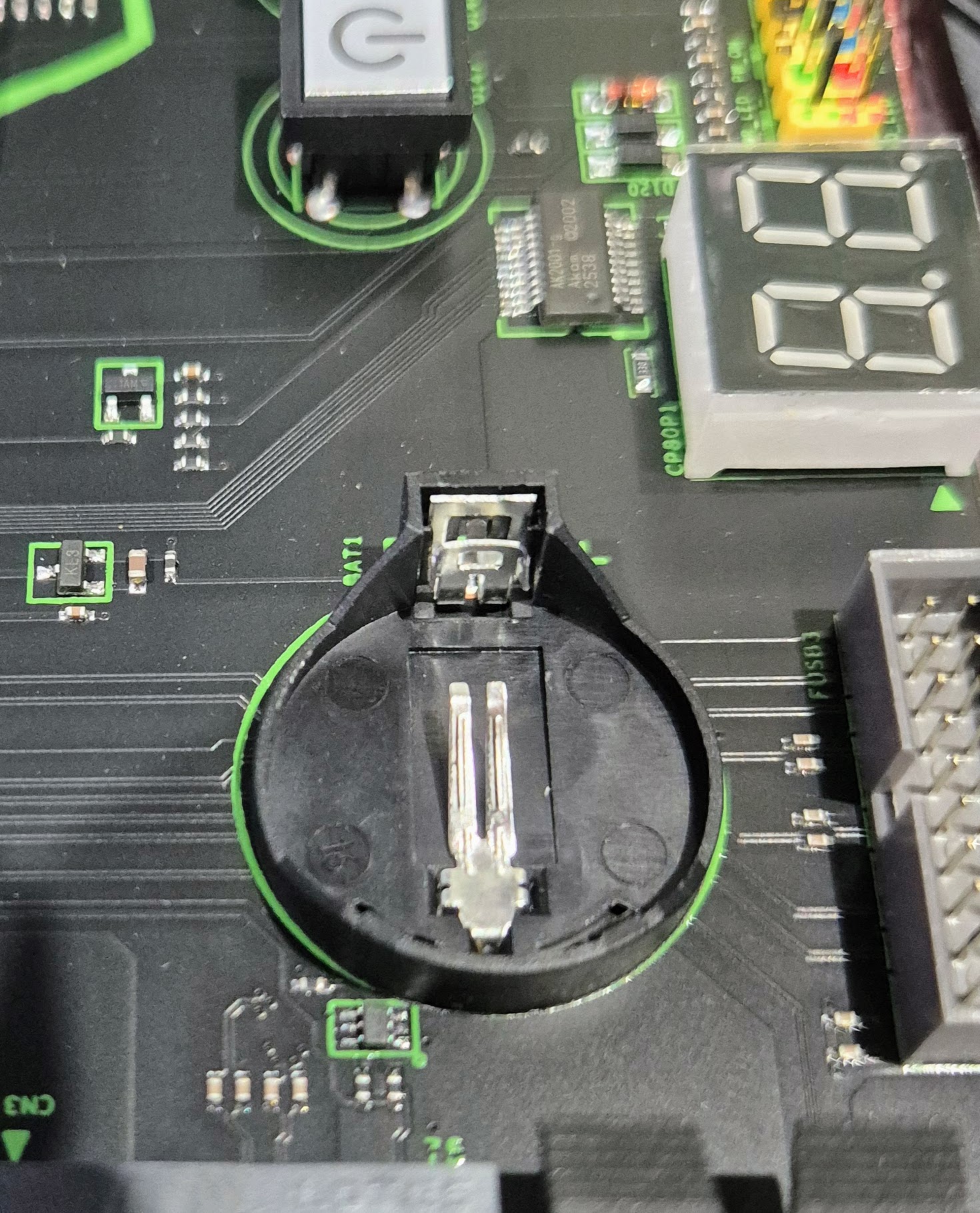
Then I noticed the CMOS battery slot was empty. No battery included, no mention of it in the (non-existent) manual. A minor inconvenience, easily resolved with a CR2032 from the drawer, but worth flagging for anyone else going down this path.
The heatsink situation
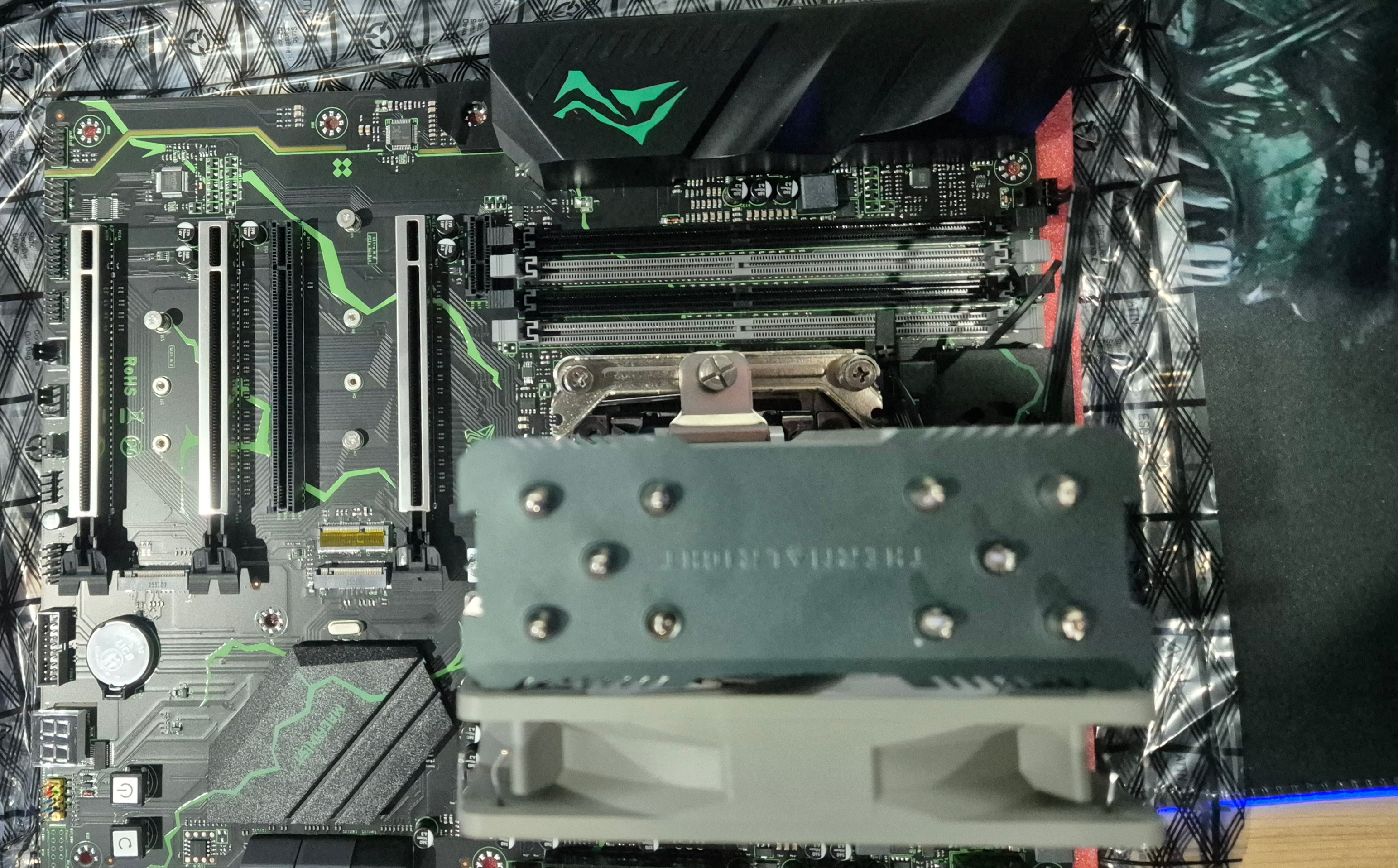
The heatsink recommended by Google's AI — a reasonably substantial unit — turned out not to come with the correct mounting bracket for this board. The base mount on the Machinist is fixed, not interchangeable, which ruled out most of the standard adapter solutions.
Nothing that a drill, four springs, and some elbow grease couldn't address. It's not a solution I'd recommend as a first approach, but it's the one available with what was on hand. The secondary concern: whether it would actually clear the lid on the 4RU chassis once everything was assembled.
First boot — and an unexpected keyboard lesson
With RAM, an old GeForce GT 1030 (the RTX 2060 Super still hadn't arrived), and SSDs all installed, the new MSI MAG A650BN power supply connected, and an old 27" monitor with no stand perched somewhat precariously over the top — it was time to see if anything happened.
Something happened, but not the right thing. Straight into the BIOS, then no response. Spontaneous reboot. Into the BIOS. Reboot. There's a particular kind of calm that comes over you after a few years of this sort of thing — not frustration exactly, more a methodical scanning of the possibilities. Something in the back of my mind suggested trying a different keyboard.
That quiet internal voice was correct.
With a functioning keyboard, the BIOS came to life properly. Everything looked largely configured bar the date and time — which is precisely the kind of thing a missing CMOS battery will cause. Two minutes of adjustments and Ubuntu was installing.
If you're building with a Machinist X99 board: bring your own CR2032, don't assume your keyboard will work until you've tried more than one, and check your heatsink mounting compatibility before committing to a specific cooler. None of these are showstoppers, but knowing about them in advance saves time.
Running — and remarkably quiet
Ubuntu installed without complaint. The first thing I noticed once it was running was the noise level — specifically, the lack of it. The MSI power supply is quiet. The CPU fan, even under the somewhat improvised heatsink mounting, is quiet. I'm not accustomed to machines built around Xeon processors that don't announce their presence in a room. It was a genuinely pleasant surprise.
The machine is running. The 4RU chassis lid does, in fact, clear the heatsink.
The 4am LLM adventure
The following morning — and by "morning" I mean 4am, because apparently that's when these things happen — I was back with Google's AI to start working through the LLM software setup. The very AI that had largely directed this entire build, now being asked to help configure what will eventually replace its role in my workflow.
An hour and a half later, having achieved rather less than I'd hoped, I called it. Something went wrong in the setup process that I haven't fully diagnosed yet, and 4am is not the optimal time to be doing that kind of troubleshooting. The details of what happened — and how it eventually got resolved — will form the bulk of Part III.
Did I mention what time it was? Yes. The fact that I'm writing about it probably tells you everything you need to know about whether that was a good idea.
What comes next
The GPU was due to arrive today. The Ollama installation appears to have pulled in NVIDIA drivers already during the earlier setup attempt, which suggests the RTX 2060 Super might be a relatively straightforward addition once it lands. We'll see whether that optimism survives contact with reality.
Part III will cover: getting the software stack actually working, the GPU addition, first model runs, and an honest assessment of whether this whole exercise produced something genuinely useful or an expensive reminder that 4am decisions should be deferred.