
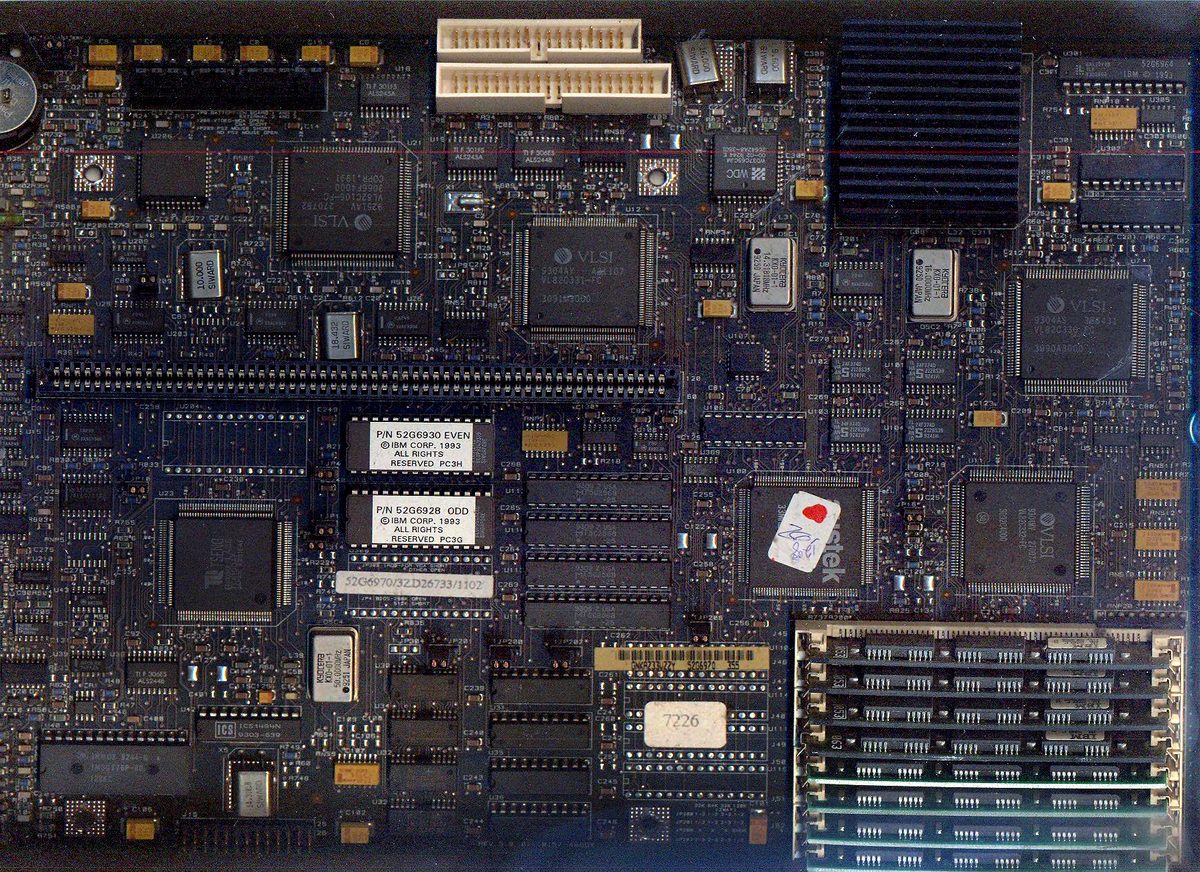
It's the mid-1990s. I have a trusty (but aging) IBM PS/1 486 SX 33, running DOS and Windows 3.1 — and possibly any other window manager I could get my hands on. It's got 4MB of RAM, which isn't enough to run a Soundblaster and a CD-ROM drive at the same time. My 120MB hard disk is constantly near capacity. Every chance I get, I'm down at one of the local PC shops buying used floppies — often old driver disks — paying cents rather than dollars per disk, just so I've got something to store more stuff on.
.jpg)
A quick note on "window manager": Calling Windows 3.1 a window manager isn't a slip. Prior to Windows 95, that's genuinely all it was — a graphical shell that sat on top of a separate disk operating system, rather than an operating system in its own right. It needed something underneath it to actually manage the disk, memory, and hardware: usually MS-DOS or PC-DOS, but it would also run over FreeDOS, or even on top of OS/2. Windows 95 was the first version to blur that line properly for consumers, bundling its own DOS underneath and starting to take over OS-level duties itself.
I don't have the internet at home yet. A friend across the road does. He's also got this schmick Pentium running Windows 95.
My friend introduces me to the local IT consultant who built that machine. Somehow we end up with a stack of old XT-class machines he gave us to play with. Some worked, some didn't. Soon they all worked. Hours were spent fixing them, pulling them apart, breaking them, fixing them again, and trying things. We amassed more parts. Soon we'd worked out how to convert XT power supplies so we could run 286 AT boards in the XT cases.
A quick note on XT vs AT: "XT" and "AT" refer to IBM's original PC architectures. The XT (1983) ran on an 8-bit or 16-bit 8088-class processor and used an 8-bit expansion bus. The AT (1984) introduced the 16-bit 80286 processor and a wider, faster expansion bus (what we'd later call ISA). They used different power supply connectors and pinouts, which is why converting an XT power supply to run an AT motherboard was a hack rather than something you could do out of the box.
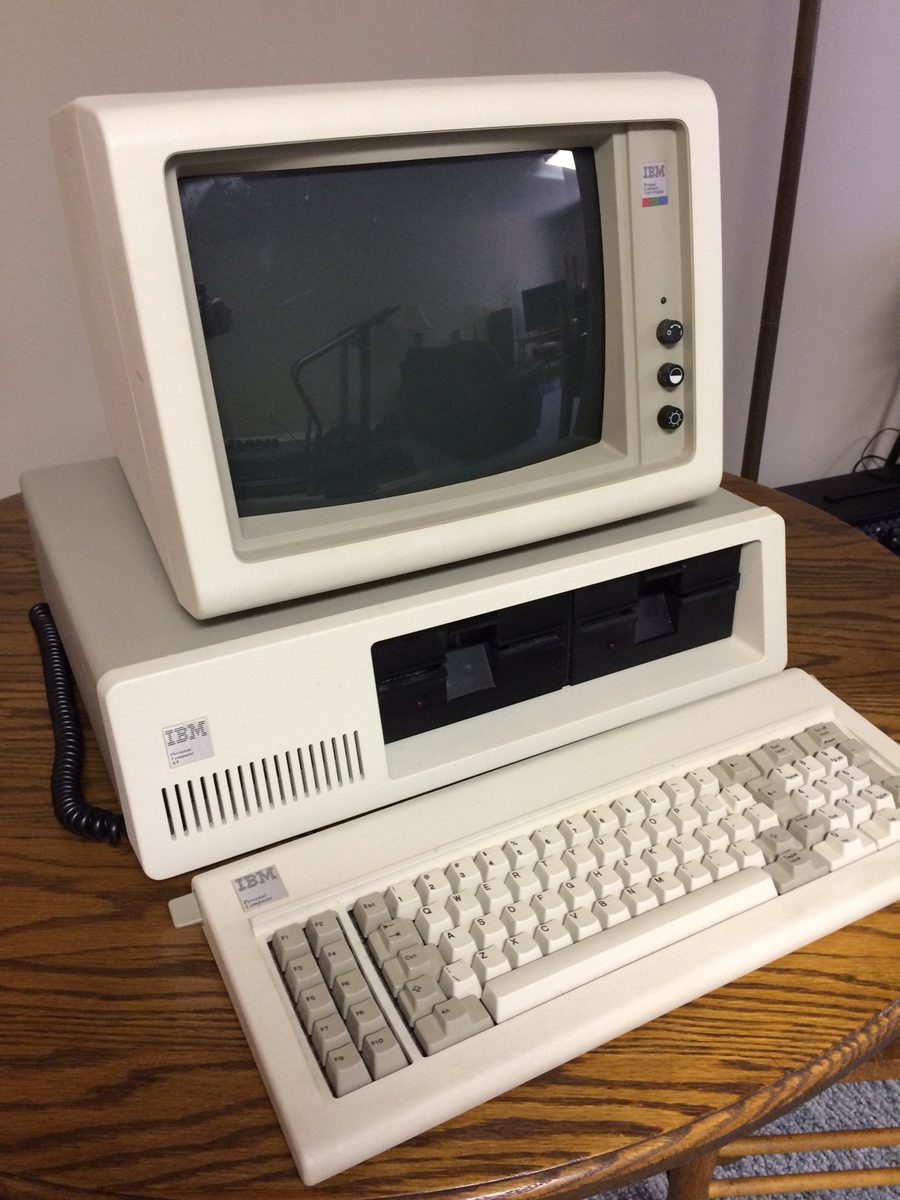

Before long I have a pile of working XTs at home, stacked next to my trusty 486. Each machine has a couple of 10MB and 20MB hard disks in it, which made them pretty good by XT standards.
An uncle — one I had little to do with, since he generally wasn't a personable chap, but we at least had computers in common — had been sending over periodic piles of disks full of content pulled from CD-ROMs he collected. When he heard I had all this gear, he started sending over old ARCNet network cards too: 16-bit for anything modern, 8-bit for the old XTs. He pointed me towards Little Big LAN and gave me a fairly broad set of instructions on how it should all hang together — possibly there was a printed manual involved. I didn't have the internet to fall back on for this kind of thing, so manuals, help commands, guesswork, and sheer trial and error were how it got done.
What was ARCNet? ARCNet (Attached Resource Computer Network) was one of the earliest commercial LAN technologies, predating Ethernet's dominance. It used token-passing over coax cable in a logical ring — every card waited its turn for a token before it could transmit, which kept things orderly but capped throughput at a modest 2.5Mbps. It was popular in the '80s for its low cost and reliability on cheap cabling, but by the mid-'90s Ethernet's higher speeds and falling prices had largely pushed it out of the market, which is exactly why a stack of old ARCNet cards was the sort of thing an uncle might have lying around to give away.
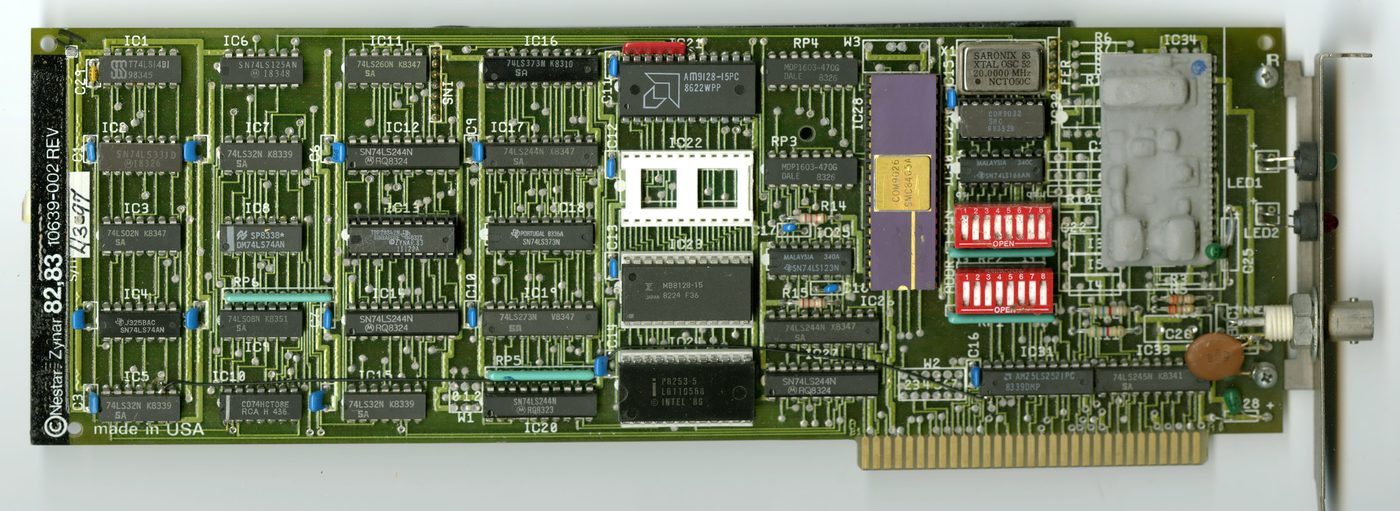

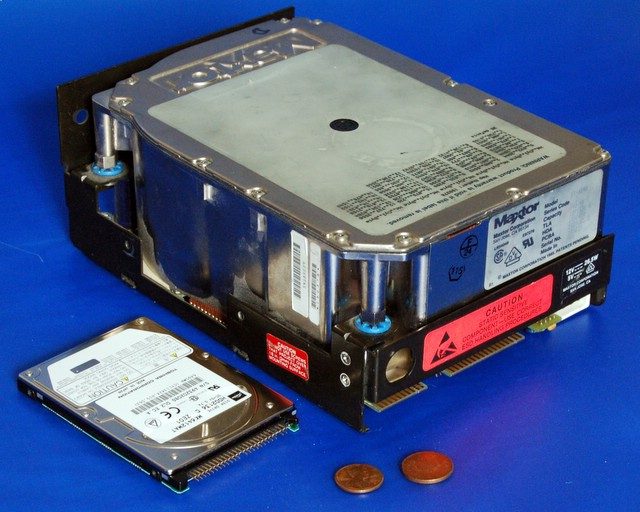
It wasn't long before drives A: through Z: were mounted on my 486, without a spare drive letter left. My stack of old XTs and their MFM hard disks, all connected via coax in a logical ring, ran at a blazing couple of megabits per second — honestly faster than most of those aging disks were capable of anyway.
What was MFM? MFM (Modified Frequency Modulation) was the standard way hard disks encoded data onto the platter in the early-to-mid '80s, before more efficient encoding schemes like RLL took over. MFM drives were controlled directly by a dedicated controller card that had to know the disk's exact physical geometry — cylinders, heads, and sectors — since none of that was abstracted away the way it is on modern drives. They were small by any modern measure, typically 10–20MB, and slow, which is exactly why a "network" of them strung together over ARCNet wasn't really being held back by the network at all — the disks themselves were the bottleneck.

That was my first network. Intended simply for network file storage, in a very roundabout and hideously expensive-to-run kind of way. I don't recall it lasting long — likely because of that hideously-expensive element. And the fact that it was a lot of work. And rather noisy.
The next thing I know, said uncle has sent over a modem: a Netcomm 2400 baud, still in the box, complete with old Telecom licensing documentation to allow it to be connected to the phone network. My friend was using a blazingly fast 28.8k modem. I'd seen the Telstra Bigpond ads floating around — being in a regional area, their default rate was $7 an hour. And I'm running a 2400 baud. To give you an idea: 5MB, say a regular MP3, would take around six hours to download, assuming my parents didn't pick up the phone expecting to make a call.
Baud vs kbps: These get used interchangeably but aren't quite the same thing. Baud is the number of signal changes per second on the line; bits per second (kbps) is the actual data throughput. On the earliest, simplest modems the two numbers matched, which is why "2400 baud" and "2400bps" got used as if they meant the same thing. As modulation schemes got cleverer, modems started packing multiple bits into each signal change, so a 28.8k or 33.6k modem was moving far more data per second than its baud rate alone would suggest — "baud" stuck around as the everyday word long after it stopped being technically accurate.
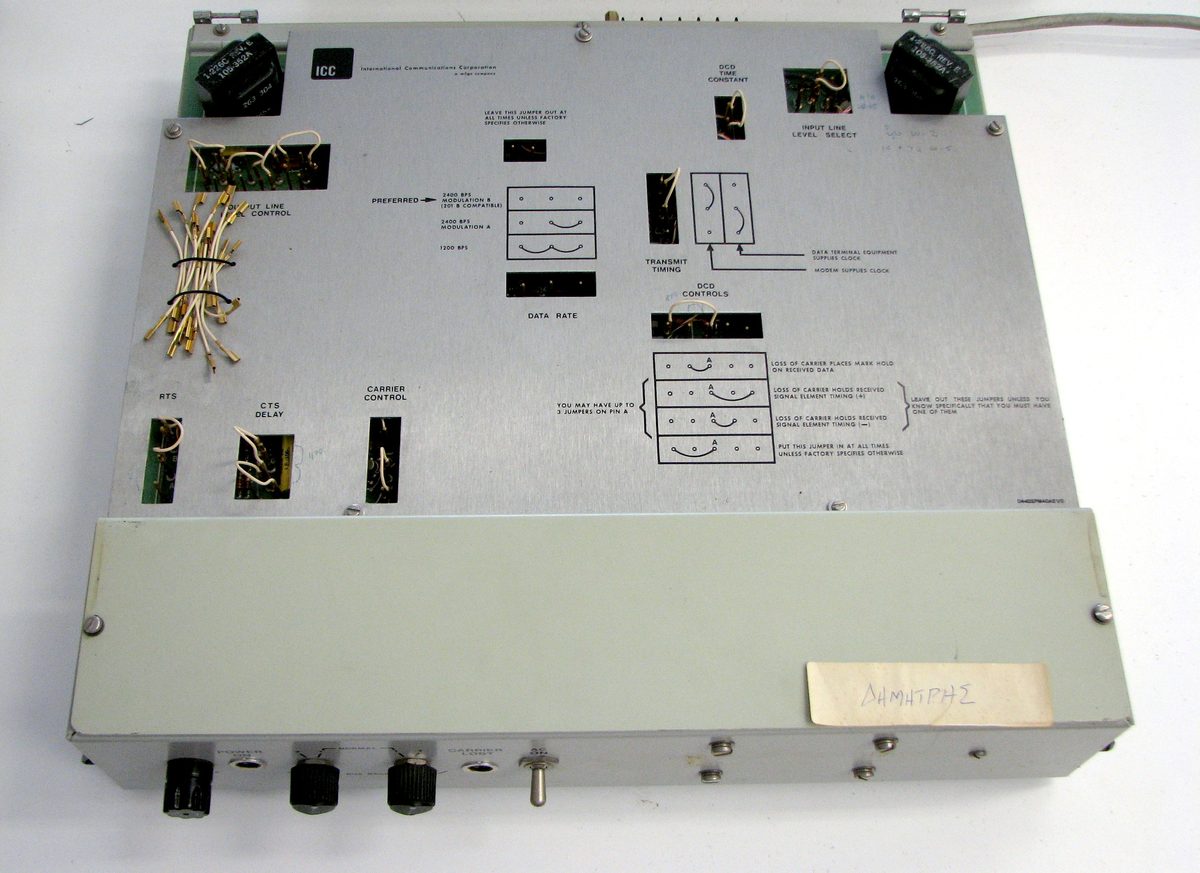

I very soon found a local ISP offering a much more reasonable $2 an hour with a local dial-in number. I couldn't actually afford the $40 membership fee. I could work it off, apparently. So I did — much like many of the hours of usage I couldn't really afford, as it turned out. My first somewhat-serious job was at an ISP, and I was still in high school.
I was already over the partying and most of the usual teenage stuff by that point — I'd done enough of it early enough to be bored with it already. The internet, though — that was interesting.
My first "job" was to rebuild the ISP's old BBS. I didn't have much of a clue, but I was handed an "old" Pentium (while I still used a 486) and given ten "old" 28.8 Banksia modems — they'd just upgraded to 33.6k — to get it set up. That was a fun exercise I never entirely finished, but it meant I hung around the office a lot.
As it turned out, the guy who ran the show — Tony — was predominantly a programmer. A totally bizarre character, running very odd hours, and the ISP was run out of his home. He was prone to working all night, but keeping the office open during the day was something of a bother given he did need to sleep occasionally. I recall plenty of days there trying to work out how to run things while he disappeared for a couple of hours to sleep.
The upside was that he frequently had customers' PCs in for repair, and I spent plenty of my time fixing them. Occasionally we upgraded modems and kept the old ones, which was nice — my 2400 baud turned into 9.6k, then 14.4k. More importantly, I found some RAM modules that actually worked in my IBM PS/1. All of a sudden I had 10MB of RAM.
I'd started with 4MB, found another 4MB and got to 8MB. I was loaned a Soundblaster and a CD-ROM drive, and the first thing I decided to try was installing Windows 95 — from floppy, I might add. The install worked, taking up the entire hard disk in the process, but Windows would never load on reboot with the Soundblaster and CD-ROM installed. I went back to "work," found a pair of 1MB RAM modules, installed them, and had just enough RAM to get Windows running. That felt like a fair achievement at the time. Fairly soon after, the Soundblaster and CD-ROM came out again — the consultant who'd loaned them either wanted cash or wanted them back. I was working for internet hours, not cash.
Why RAM was such a fight on that machine: The IBM PS/1 was picky — it needed 72-pin FPM RAM with 36-bit parity, not the plain 72-pin SIMMs that were more common and cheaper elsewhere. Finding modules that actually matched what the board expected was half the battle. On top of that, running Windows 95 with a Soundblaster and CD-ROM drive together generally needed a minimum of 8MB just to have a hope of loading — which is exactly why my first attempt, at 8MB, worked for install but failed on reboot until I scraped together a bit more. It's also worth noting that early CD-ROM drives usually didn't connect to the motherboard's IDE controller directly — they interfaced through a proprietary port on the sound card itself, which is part of why the Soundblaster and CD-ROM were treated as a package deal rather than two separate components.
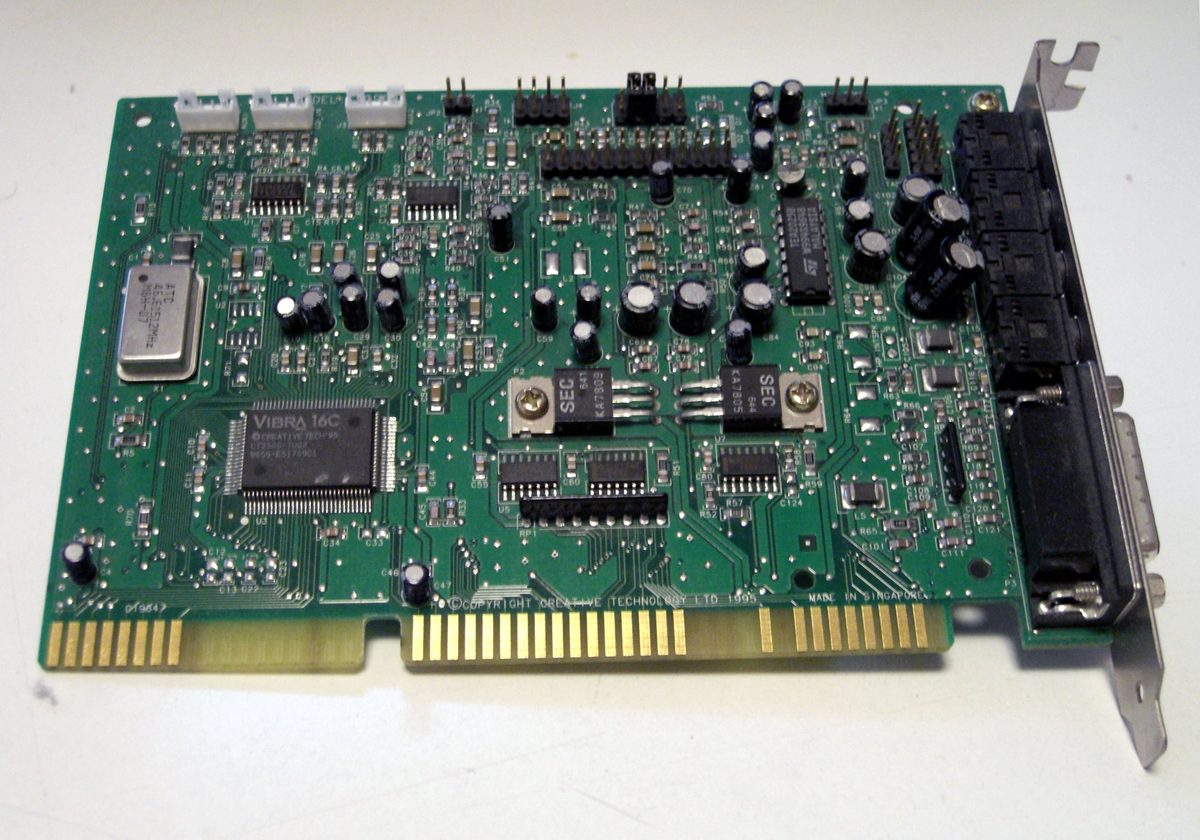

By the time I finished high school I'd had about a year of hanging around that local ISP. I was fixing PCs, I'd dealt with a few customers, and I could tell the brand of modem a customer was using just by the sound it made when they dialled in — we could hear every single dial-in connection. What I didn't realise at the time was that I'd effectively started my career.
The following year I started university, complete with a brand-new PC and a much faster modem. I can't recall if it was the first or second week when the Unix lecturer mentioned he had Linux CDs. Not long after that — having rung around local ISPs trying to find one who could help me get my now-Linux PC connected to the internet — I found myself working for another ISP, doing onsite installations for customers. This one at least paid in cash, gave me free internet, and didn't mind if I took extra payment on the side for training or fixing issues. I didn't stay long; at the time I was far more interested in solving problems on computers and getting them to do things than I was in the academic side of things.
After that, I was back home, and soon enough became a computer tech for a local business. Their reputation was somewhat questionable — I knew plenty of people in the industry by then, and most had a fairly low opinion of them, mostly because of the wife of that partnership (we'll call her the office manager). The husband was generally knowledgeable, prone to overselling himself and his experience, but at least intelligent enough to get away with it. His wife, however, was generally clueless, disinterested, and generally unpleasant.
It wasn't all bad. He spent most of his time away in Melbourne on contracts with a major manufacturer, which largely kept him out of the picture. Unfortunately, that also meant the bulk of the local work fell to me — fine from a getting-things-done perspective, but I was a long way from being the guy who was going to build your business for you.
I was asked to become a trainee — they'd get some government kickbacks for it, and agreed to pad the "trainee wages" to something a little more palatable. I agreed only because, even as a green trainee, I was well aware of how little business they had while paying rent on a CBD storefront. Being frequently asked not to sell anything, because they couldn't afford to front the stock, was probably an obvious red flag.
The office manager's dislike for me only grew as their troubles mounted. She didn't like me being around the office so much, apparently not spending enough time at TAFE studying. I was given an RPL for the bulk of the entire Certificate IV in IT, and what they didn't RPL me for were classes I'd walk into, look over the coursework, and ask them to arrange the final assessments for — most of which I was given, and completed. For one of them I simply handed in a piece of work I'd already done commercially back in high school (with permission), and then had to explain it to the teacher because it was too complex for him to follow.
What's RPL? Recognition of Prior Learning is a formal process where a training provider assesses skills and knowledge you already have — from work experience, informal study, or other means — against the requirements of a qualification, and credits you for it without making you sit through the coursework. It's meant for exactly this kind of situation: someone who's already doing the job in practice and doesn't need to be taught it from scratch. In my case it meant most of the Certificate IV in IT was assessed against what I'd already been doing, rather than taught to me from the ground up.
Before long this got wrapped up in allegations of being "lazy" and not doing the work, and so on. Yet the hours I was in the office, I was doing work. Eventually I said I wanted to finish off the traineeship — I was sick of the low wages, and even the remaining TAFE subjects were things I could wrap up in an hour with the teaching staff. I was mostly just going to a couple of classes that were remotely interesting, to fill in time.
That quickly escalated into being terminated over all manner of rubbish, mostly around the traineeship and supposed complaints from TAFE staff. My traineeship was coordinated through a third party who knew it was all nonsense — not only did the folks at TAFE not have a problem with me, they were keen to take over the traineeship as my employer if I didn't mind working on a project for them. Within days I was also getting calls to my mobile from the old business's customers — the office line wasn't being answered, and they needed work done. There was nothing in my agreement with TAFE that stopped me taking on private clients.[1]
DS Computing Services was born. Not from any great master plan, but simply because the phone kept ringing and I needed something fancier than my own name to put on an invoice.
Before long an SDSL line was installed, I had web and email servers running, and I started offering website design and hosting services to my clients — something I kept doing long after I eventually closed down DS Computing Services. Those services became DS Webhosting Services.
What's SDSL? Symmetric Digital Subscriber Line — a type of DSL broadband delivered over standard copper phone lines, distinguished from the more common ADSL by having equal (symmetric) upload and download speeds rather than a fast download paired with a much slower upload. That symmetry made it far better suited to actually hosting something — running servers that need to send data out, not just pull it in — which was exactly the point for a small business starting to run its own web and mail servers rather than just browsing.
For what it's worth, that IBM PS/1 is something I still have. It's got its 10MB of RAM, though the hard disk has been replaced. It's running FreeBSD 4.0 — before I retired it, it was serving as a dial-up gateway, and also ran Apache and Qmail, which technically makes it the first server in this business's history. It still works, at least if you keep the hard disk on its side.
What's FreeBSD 4.0? FreeBSD is a free, open-source Unix-like operating system descended from the original Berkeley Software Distribution (BSD) — a sibling lineage to Linux rather than a relative of it, sharing Unix roots but built by a separate community with its own kernel and toolset. Version 4.0, released in 2000, was a long-lived and widely trusted release in server and networking circles, known for its stability — which tracks, given it's apparently still bootable on 26-year-old hardware.


It's by no means the most significant piece of hardware I've ever owned, but it's certainly had the greatest history. My entire career — deviations and all — traces back to countless hours spent on that beige box.
I've still got that 2400 baud Netcomm floating around too. No phone line to plug it into anymore, but it's here. Still looks in really good nick.
- That old employer's office closed down not long after. Some time later I noticed their business name back up on the side of a random building, under new owners. It wasn't there long. ↩